Free
$0
- Any file under 100 MB processes free — no signup
- Free preview — sample frames from across your clip, right in the browser
- More free credits after email signup
- 5 more free with a card on file (never charged)
Upload a GIF, MP4, AI-generated video, or photo — get instant transparency. Built for VTuber overlays, stickers, emotes, Runway/Pika/Seedance/Kling output, and product photos.
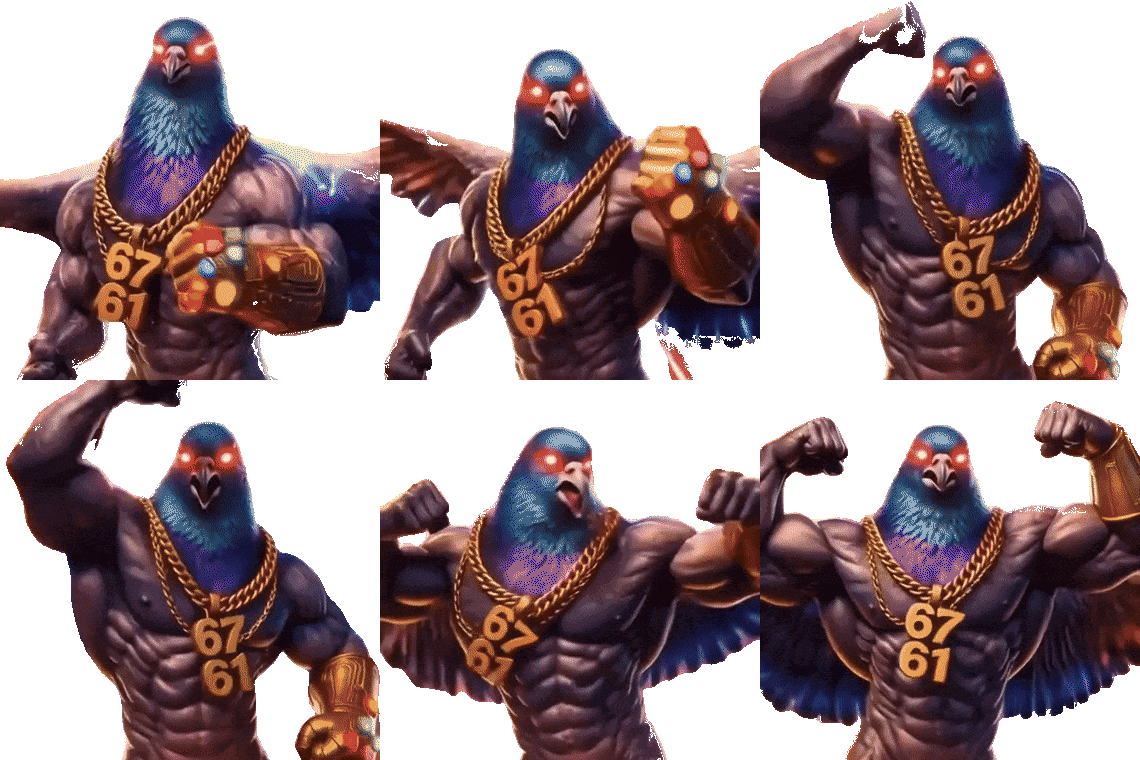
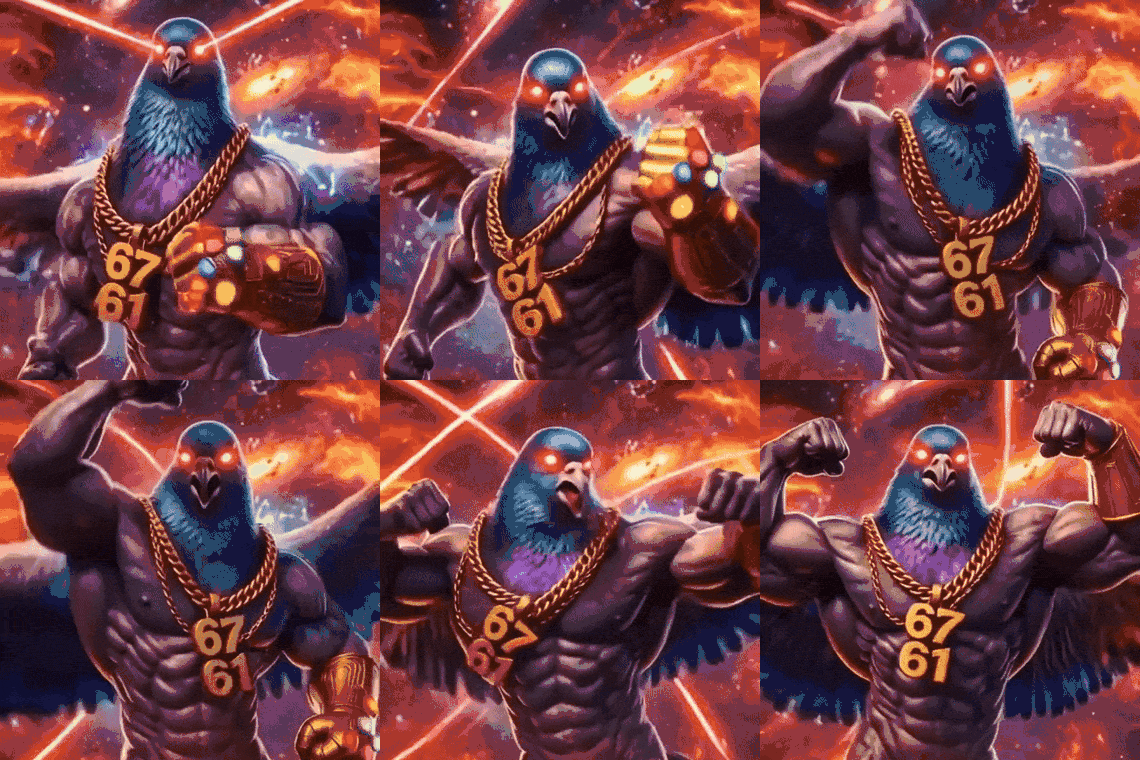
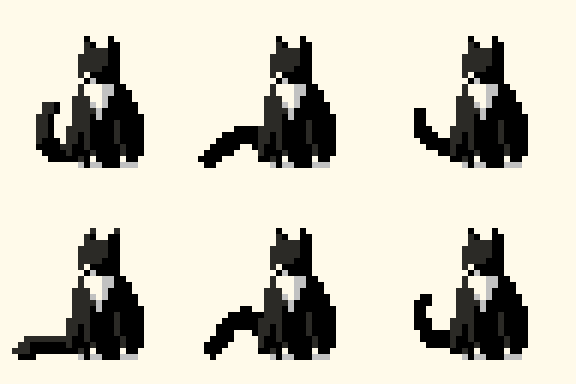
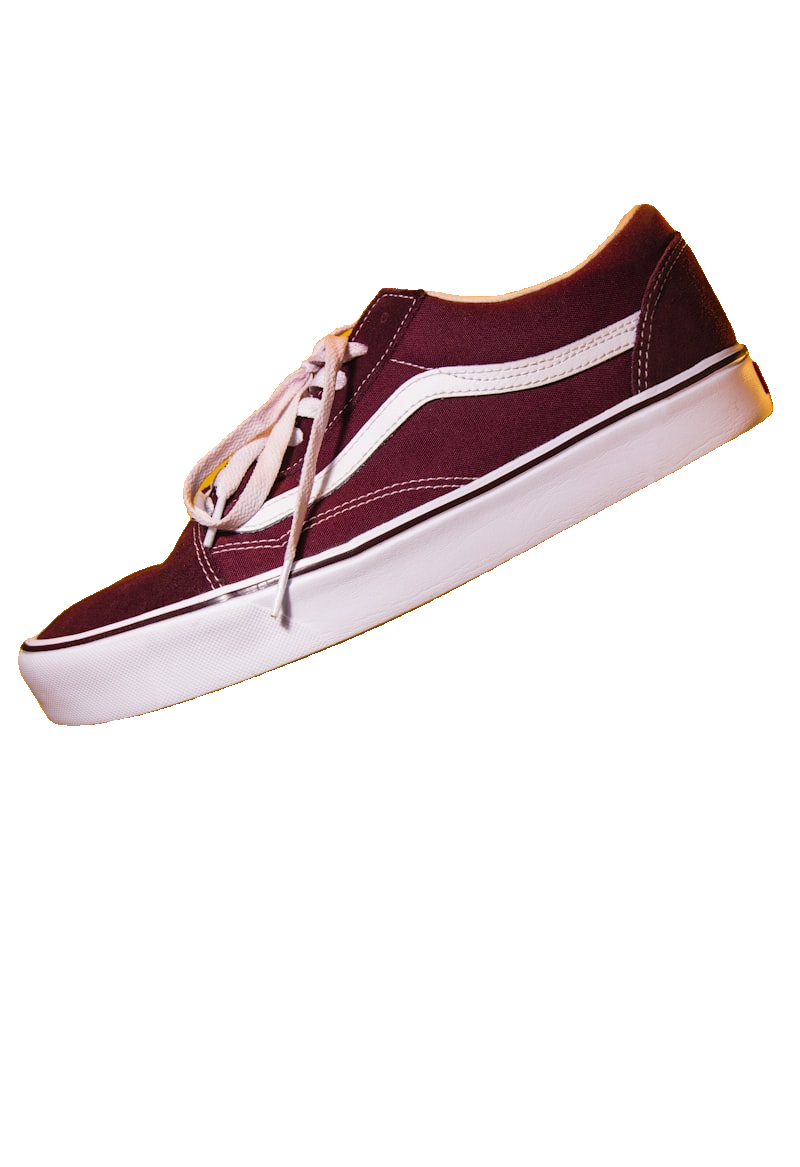
Real output — AI-generated video clip
GIF and MP4 supported · Files deleted after 1 hour
Drop GIF, MP4, or photo files here
Choose File.gif · .webp · .mp4 · .png · .jpg — up to 5 files, 100 MB each
One of your files is higher resolution than we can use — we process at up to 1152px, so uploading a smaller version will be faster with no difference in quality.
Free preview. Full-quality download needs a verified email or card (never charged), or credits.
Your preview will appear here
Upload a file and hit process to see a live preview
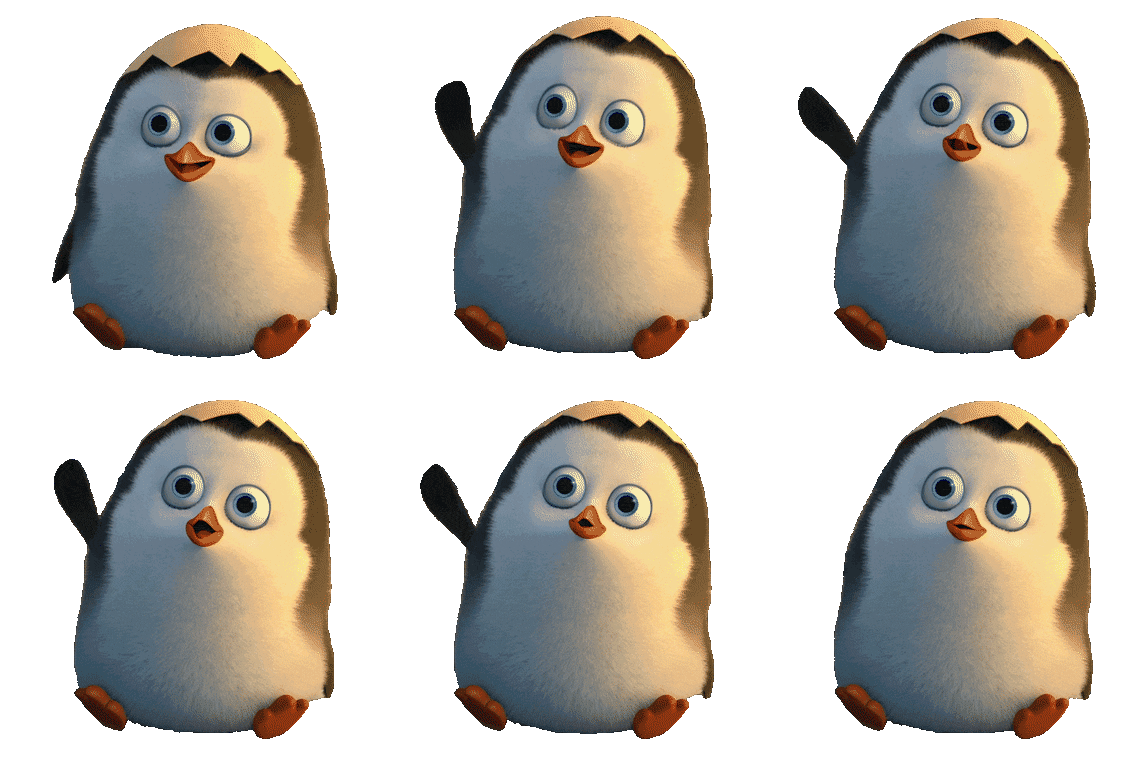
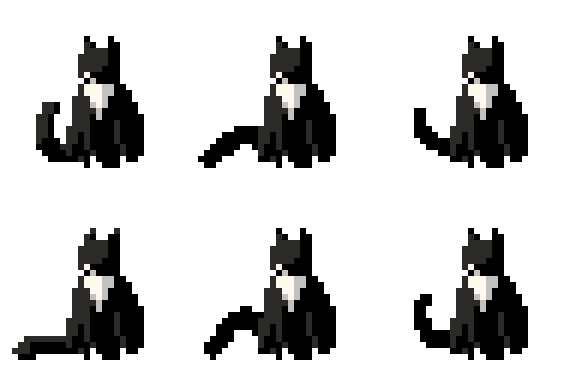
Not a generic photo tool. Every audience below has specific format and quality needs — here's how RemoveGifBG handles each one.





Start free, then subscribe or buy a pack — prices in USD. Credits: static images 1 each; video/animation 1/sec processed, 3-credit minimum per file.
$0.133 / sec · ≈ $0.40 / typical GIF
15 credits (~5 typical GIFs) — just enough to finish up, never expires.
$0.067 / sec · ≈ $0.20 / typical GIF
150 credits (~50 typical GIFs) — a small top-up, never expires.
$0.044 / sec · ≈ $0.13 / typical GIF
900 credits (~300 typical GIFs) — better value for bigger projects, never expires.
Billed $79.99 every 3 months
$0.030 / sec · ≈ $0.09 / typical GIF
2,700 credits/quarter (~900 typical GIFs), resets each cycle — for steady, moderate use.
$0.027 / sec · ≈ $0.08 / typical GIF
3,000 credits/month (~1,000 typical GIFs), resets each cycle. Or $799.99/yr for 36,000 credits (~12,000 GIFs/yr, 2 months free — $0.022/sec, ≈ $0.067 / GIF).
Cancel anytime · Refund Policy
Researched 2026-07-17 from public vendor pages, reviews, and support forums — verify before publishing. "~20 short GIFs/mo" applies each vendor's own published rate at a shared volume; flat-subscription vendors (Kapwing, Adobe Express) show their plan price regardless of usage. Full sourcing on the ezgif and remove.bg claims: see their linked pages above. All prices in USD.
Upload your GIF to RemoveGifBG and click Process — the file is analyzed and processed automatically, no settings to choose. You'll get a transparent result with the background removed from every frame.
Yes. Export your clip from Runway, Pika, Seedance, Kling, or any other AI video generator as an MP4 (most AI video tools export MP4, not GIF), then upload it to RemoveGifBG — it's processed automatically, frame by frame, with no manual masking or green screen needed.
Yes. Upload your MP4 or MOV and RemoveGifBG processes each frame individually, automatically handling both flat and complex video backgrounds.
GIF is the most universally supported format. APNG gives full 8-bit alpha with no dithering, ideal for Discord and iOS stickers. WebM exports alpha video for Chrome and Firefox. MP4 has no transparency support, so pick a background color if you choose it.
Yes — any file under 100 MB processes for free, no signup, and you can preview the result — sample frames pulled from across your whole clip — right in the browser before deciding. Signing up with an email gives free credits for full downloads, adding a card on file (never charged) gives more still, and credit packs or a Pro subscription cover ongoing use.
You can preview any file for free with no account at all — sample frames pulled from across your whole clip, right in the browser. Short files often download in full quality with zero signup too, covered by a small automatic free-trial credit balance every visitor gets. Once that's used up, verifying an email (free credits included) or adding a card (never charged) unlocks more — no password or full signup required either way.
Yes. All uploaded files and processed results are automatically deleted from our servers after 1 hour. We never share or analyze your content.
Yes — batch up to 5 files in a single job and download them together.
Yes. Built-in size presets cover Discord (emoji 128×128, sticker 320×320), Telegram and WhatsApp stickers (512×512), LINE stickers (370×320), WeChat stickers (240×240), and Twitch emotes (112×112) — pick a preset before processing so the crop and canvas are already correct.
Yes — the Pro plan includes a REST API with single-file and batch endpoints, so you can automate background removal instead of using the web upload form.
Automatic processing handles the great majority of clips well, including flat cartoon colors, gradients, and complex scenes. Very hard cases — like a white subject on a pure white background — are the kind of edge case any automated background remover can struggle with, and may need a manual touch-up pass.
Unlike Unscreen, RemoveGifBG also handles animated GIFs (not just video), exports APNG and spritesheets, offers a free no-signup preview, and doesn't require a subscription just to try it.